
eSIM installation guide
Prepare your eSIM before travelling and connect at your destination.
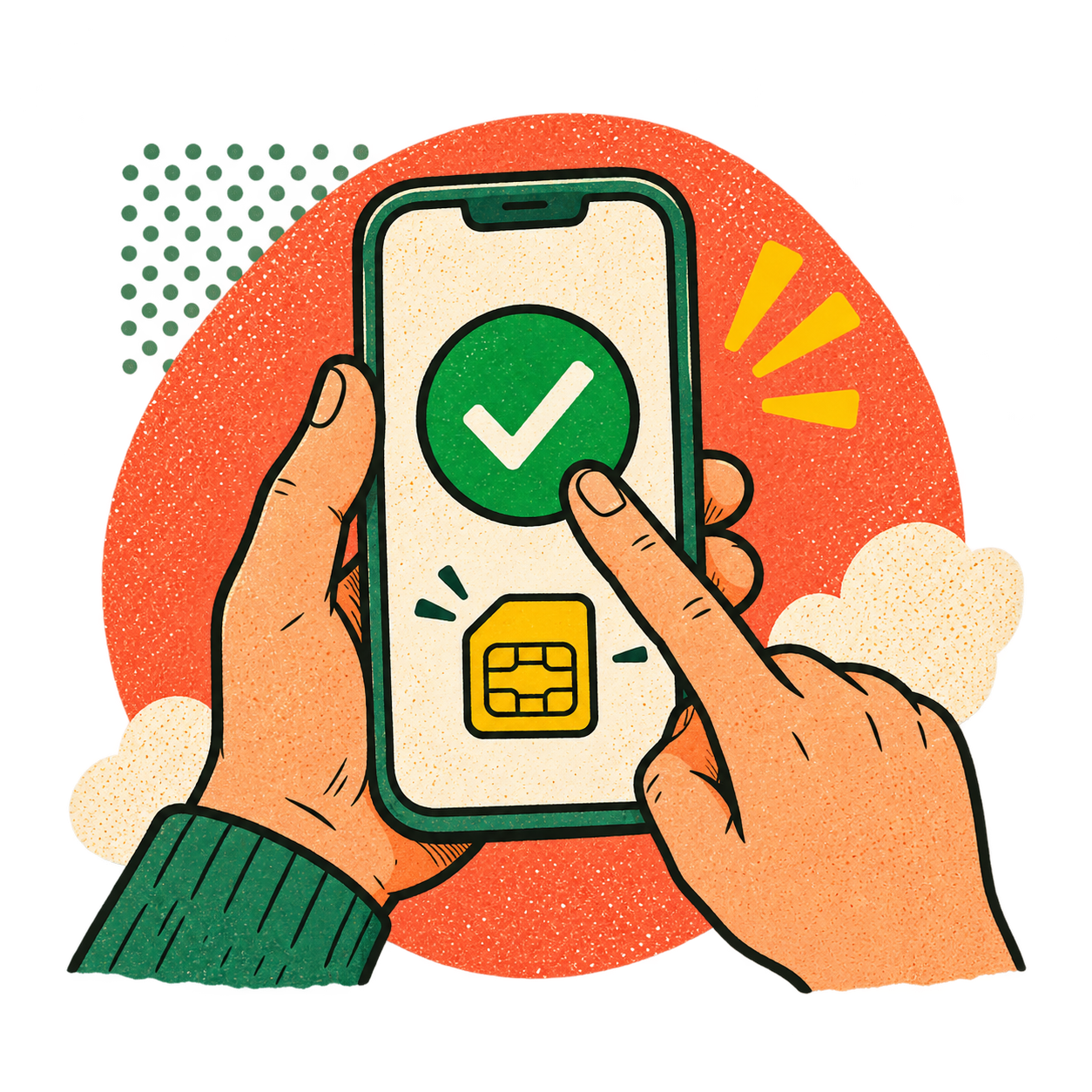
Connect to stable Wi-Fi, verify that your phone supports eSIM and is carrier-unlocked, and have the QR code or installation details from your order email ready.
Choose your device
Open Settings
Go to Settings → Cellular / Mobile Data → Add eSIM
Menus may vary by iOS version.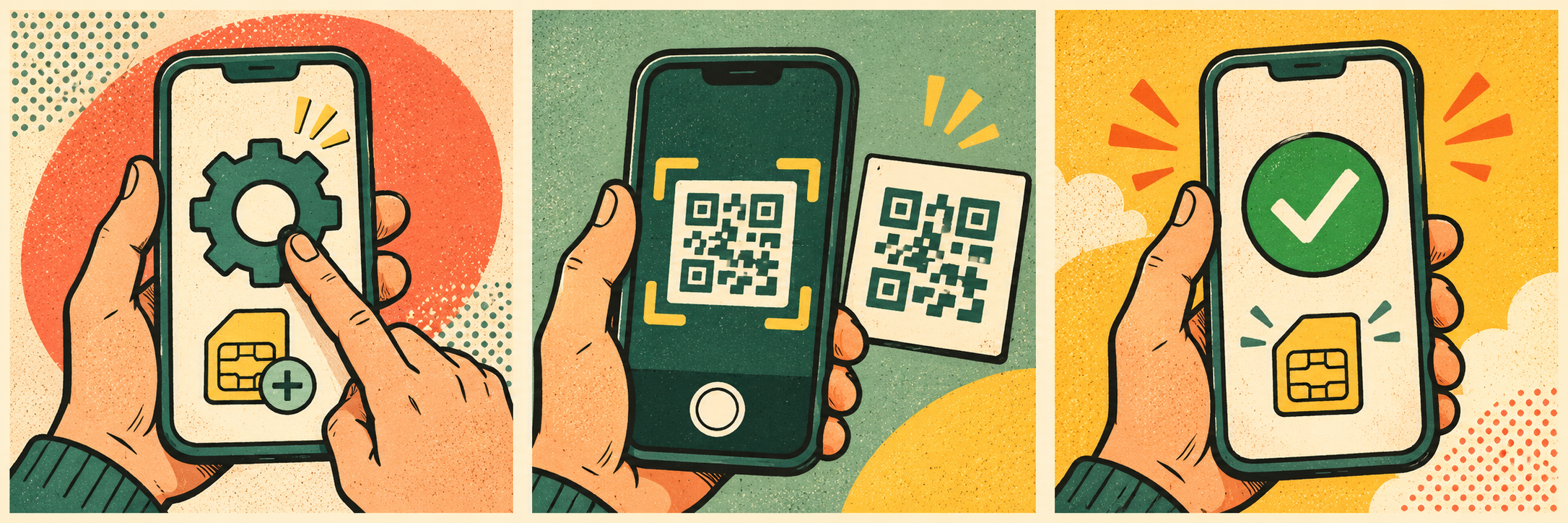
Scan QR Code
Select Use QR Code and scan the supplied QR code, or enter the details manually.
If the QR code is on the same phone, open it on another device or use the manual installation details.Finish setup
Follow the on-screen steps and name the plan JLP Global and keep the eSIM installed on the device.
Do not delete the installed eSIM: some plans cannot be installed again.Open Settings
Go to Settings → Connections / Network & Internet → SIM Manager / SIMs → Add eSIM
Menu names vary by phone brand and model.Scan QR Code
Choose to add an eSIM by QR code, then scan the code from your order email or enter the installation details manually.
Keep Wi-Fi connected throughout installation.Finish setup
Follow the on-screen steps and name the eSIM JLP Global
Do not delete the installed eSIM: some plans cannot be installed again.At your destination
Connect with JLP eSIM
Select JLP Global for Mobile Data and enable Data Roaming for JLP eSIM as directed by your plan. Disable mobile data and roaming on your main SIM to avoid unwanted charges.
Some plans start on installation or first activation. Check your plan details first. Do not share the QR code or move the eSIM to another device without confirmation from customer support.
Frequently asked questions
Can I install the eSIM before travelling?
Many plans allow this, but some start on installation or first activation. Check your plan conditions first.
What if the QR code will not scan?
Check Wi-Fi and device compatibility. Try the manual details in your email, then contact support if installation still fails. Do not delete an eSIM that has already installed successfully.
No data connection after arrival?
Check that JLP eSIM is selected for mobile data, its roaming is enabled, and you are within coverage. Try toggling airplane mode. If it still fails, send screenshots and your order number to support.
Can I move the eSIM to another phone?
Many eSIM plans can be installed on one device only and cannot be moved or reinstalled. Contact support before deleting the eSIM or changing devices.